Devices tested with the Chromecast scoreboard
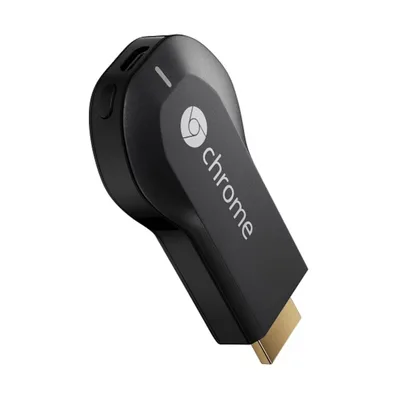 Works perfectly
Chromecast (1st gen)
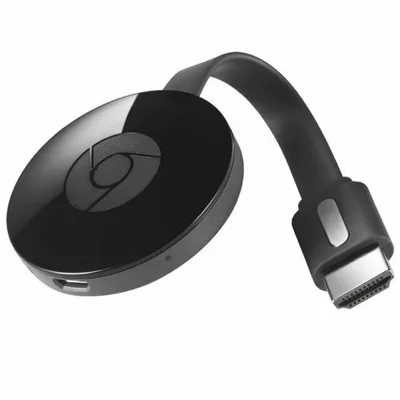 Usable
Chromecast (2nd gen)
Runs smoothly only with the simplified look, without light effects.
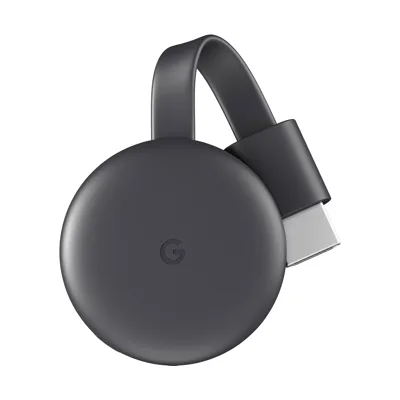 Usable
Chromecast (3rd gen)
Runs smoothly only with the simplified look, without light effects.
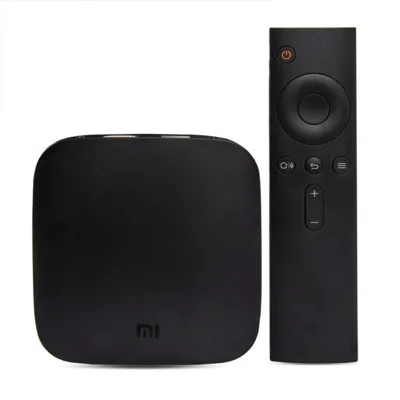 Works perfectly
Xiaomi Mi Box 3
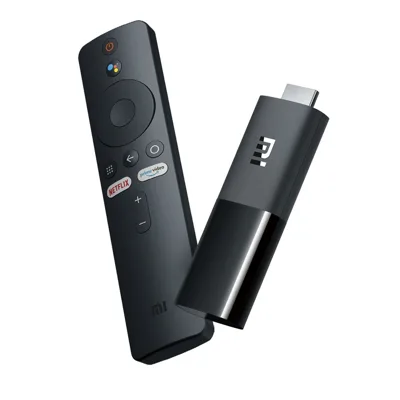 Works perfectly
Xiaomi Mi TV Stick
What do you need?
- A TV with Google Cast (Google TV, Android TV or Chromecast built-in), or any HDMI TV with an external device such as a Chromecast, a Google TV Streamer or a Mi Box
- An Android phone with the free ScoreboardCast app
- Wi-Fi that both the phone and the TV are on
- Internet on the TV when the app starts (after that, the local network is enough)
Frequently asked questions
How do I tell which Chromecast I have?
The 2nd generation is glossy with the Chrome logo on top. The 3rd generation is matte with a small “G” logo on top. The 1st generation isn’t round: it’s a straight, USB-stick-like device that plugs directly into the HDMI port.
Does it work with a first-generation Chromecast?
Yes. A school gym in Kecskemét, Hungary has run it on one since September 2026, for games, the Cooper test and the beep test.
What if my device isn't on the list?
The app runs on any Google Cast device. The list shows the devices that have been checked so far.
Does it need internet?
The TV needs internet when the app starts, because that is when it loads the display page. During a game or workout the local Wi-Fi shared by the phone and the TV is enough.
Why can't my phone find the TV?
The phone and the TV must be on the same Wi-Fi. On school and sports hall networks devices often can't see each other. A small router of your own solves this.
All sports: volleyball, basketball, handball, floorball, futsal, table tennis, badminton, Cooper test timer, beep test, gym interval timer.